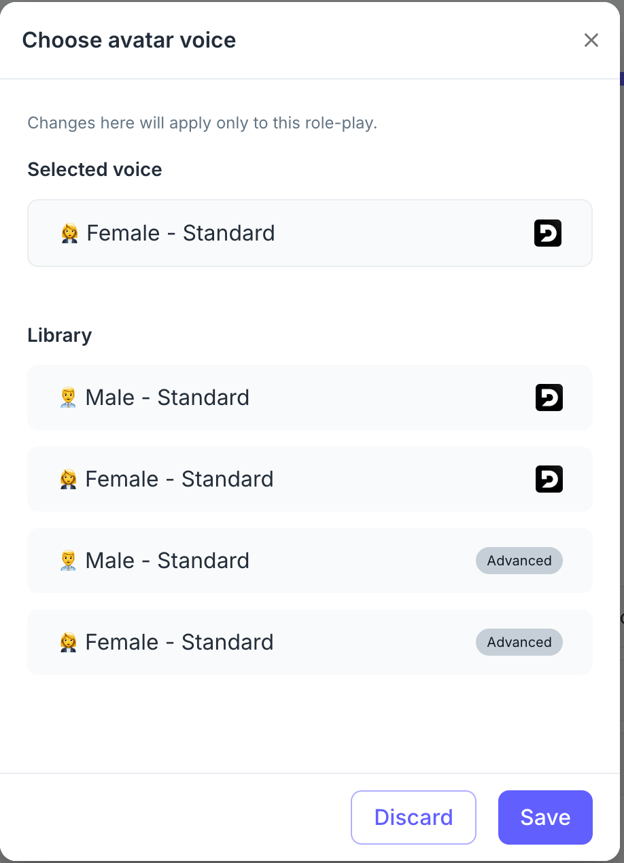
When setting up role-plays in PitchMonster, you can choose between the Default Providers and the Advanced Conversation Mode.
Default Providers
- Conversations follow a standard flow.
- Pauses may occur during exchanges, which can sometimes feel less natural.
- Voices are serviceable but may sound more robotic.
Advanced Conversation Mode
Enabling this option significantly improves the realism of your role-plays:
- Natural Flow: The system covers pauses and overlaps, resulting in smoother conversations.
- Faster Response Time: Replies come quicker, making practice more dynamic.
- Better Voices: More lifelike, natural-sounding voices enhance the role-play experience.
How to Enable Advanced Voice Model
To activate the advanced conversation mode for a specific role-play:
- Open the role-play you want to edit.
- Click on the Options menu.
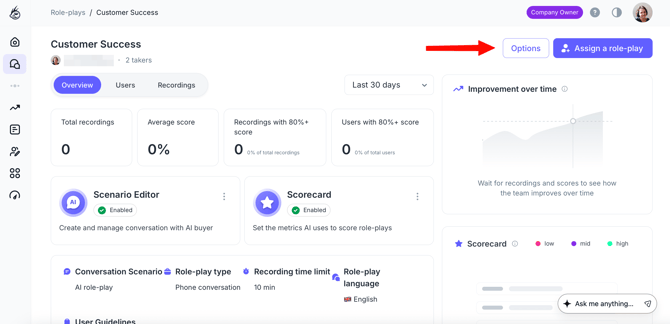
- Select Settings and Description.
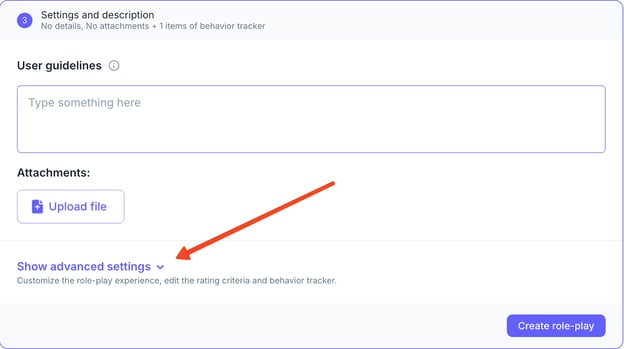
- Scroll down and click Show advanced settings.
- Under Avatar Voices, click Edit Voice.
- Choose the Advanced Voice Model and save your changes.