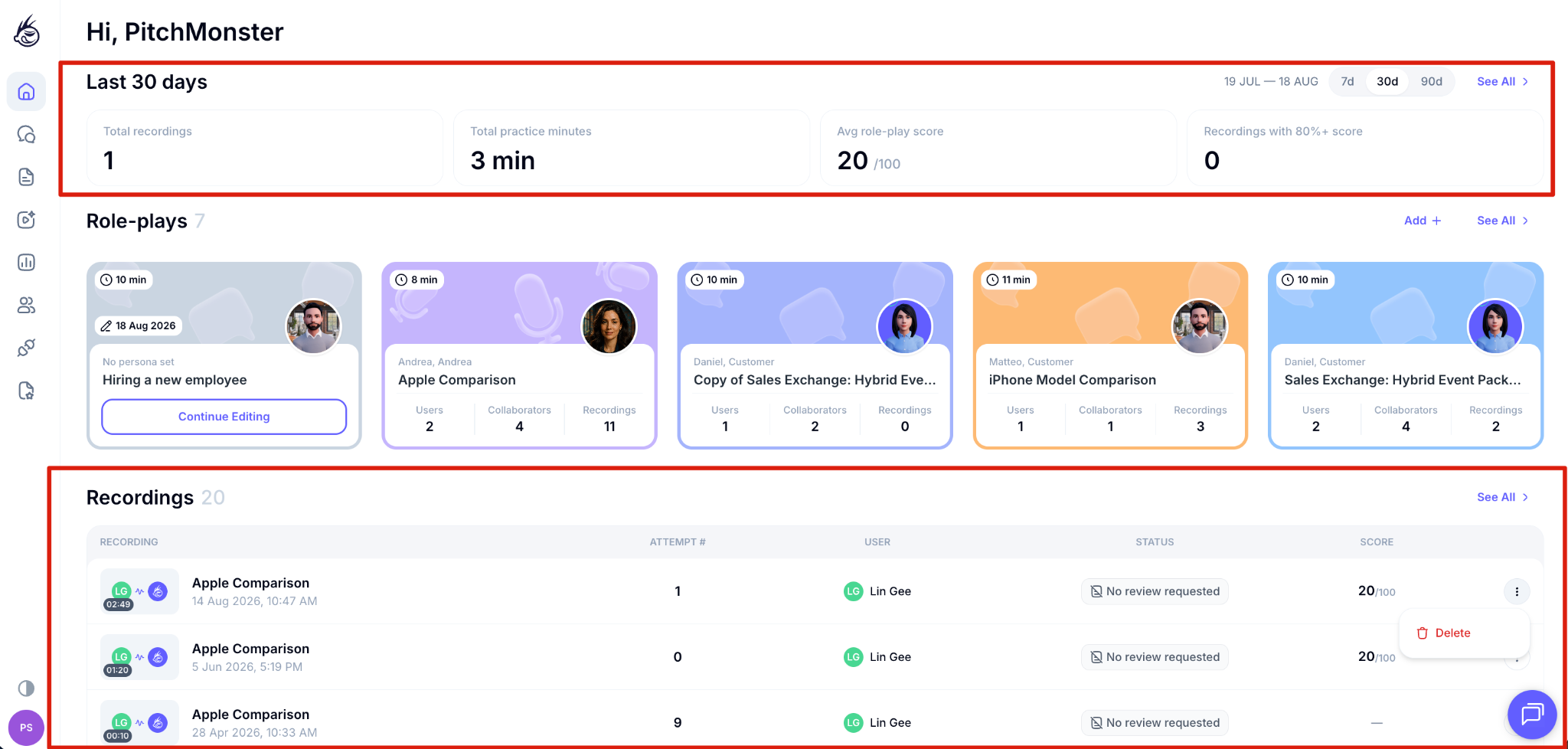
PitchMonster gives you three ways into recordings, depending on whether you want one role-play, everything at once, or a quick look at what happened this week.
From a specific role-play
1. Click Role-plays in the left-hand menu.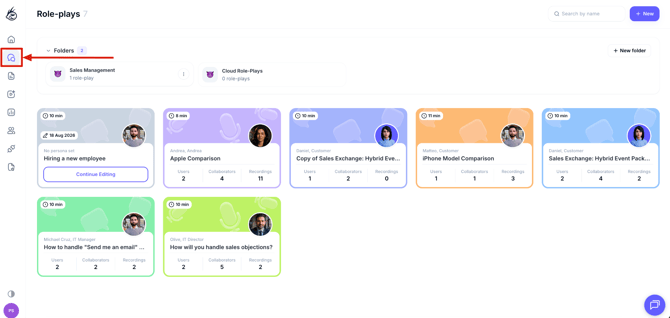
2. Select the role-play you want to review. This opens its Overview page.
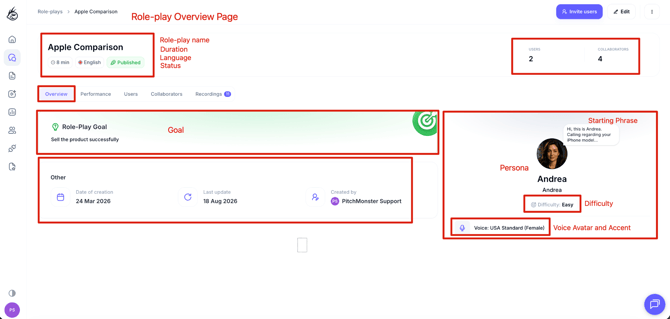
4. Click any recording to open it. You get the playback, the transcription, AI feedback on talk ratio, speech pace and phrasing, the score broken down by category, and the comment section. You can also override the AI's scoring and leave timestamped comments for the rep.
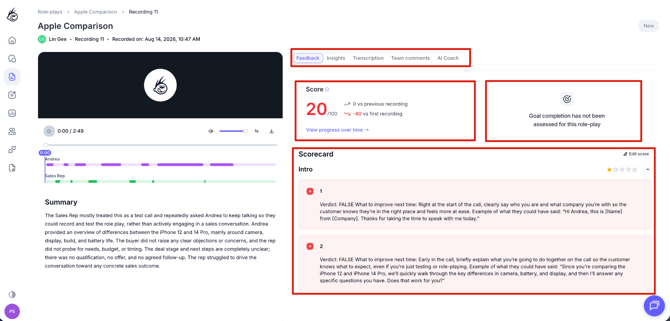
The Performance tab on the same role-play is a different view. It gives you team stats, scorecard results, improvement over time and a date range picker, rather than a list of individual recordings.
Across every role-play
Click Recordings in the left-hand menu to see everything your team has submitted, across all role-plays. Recordings display as a table by default, one row per recording. You can switch back to the tile view with the toggle in the top right if you prefer it.
On your dashboard
Your dashboard home shows a preview of recent recordings in the same table format: role-play, user, attempt, status, score and the row action.
Use the date range selector at the top of the dashboard, 7 days or 90 days, to control which period the preview covers.